Global workflow centralized / decentralized question
This flowchart aims to give you an overview of the workflow to address the centralized / decentralized question : main steps, modules involved and the interaction between them.
It is interactive: you can zoom in and click on certain blocks to be redirected to the corresponding sections in the documentation.
        flowchart TB
    A[<a href="https://elan-gis.org/en/preparation.html#routes">Roads and buildings</a>]
    B[<a href="https://elan-gis.org/en/preparation.html#population">Population</a>]
    C[<a href="https://elan-gis.org/en/preparation.html#projection">Snap on roads</a>]:::class1
    D[<a href="https://elan-gis.org/en/scenario_prb1.html#reseau">Sewer network</a>]:::class3
    B:::class3 --centroids--> C --projected centroids--> D
    B --centroids--> D
    F@{ shape: circle, label: <a href="https://elan-gis.org/en/preparation.html#entrees-reseau">DEM</a> }
    G@{ shape: circle, label: <a href="https://elan-gis.org/en/preparation.html#entrees-reseau">discharge <br/> points</a> }
    H@{ shape: circle, label: <a href="https://elan-gis.org/en/preparation.html#entrees-reseau">roads</a> }
    I@{ shape: circle, label: <a href="https://elan-gis.org/en/preparation.html#entrees-reseau">buildings</a> }
    A:::class1 --polygons--> I:::class0 --> B
    A --> H:::class0 --> D
    F:::class0 --> D
    G:::class0 --> D
    J[<a href="https://elan-gis.org/en/scenario_prb1.html#visualisation-profils">Longitudinal sewer profile</a>]:::class1
    K[<a href="https://elan-gis.org/en/scenario_prb1.html#procedes">Processes</a>]:::class3
    L[<a href="https://elan-gis.org/en/scenario_prb1.html#creer-scenario">Create a scenario</a>]:::class3
    M[<a href="https://elan-gis.org/fr/scenario_prb1.html#plots">Plots</a>]:::class3
    N@{ shape: circle, label: <a href="https://elan-gis.org/en/scenario_prb1.html#sorties-reseau">pre-sized <br/> sewer </a> }
    D --> N:::class2
    N --sewer pipes--> J
    N --WWTP--> Q:::class0 --> K
    K --treatment trains--> M
    N --> L
    O@{ shape: framed-circle, label: "Stop" }
    P@{ shape: hex, label: <a href="https://elan-gis.org/en/scenario_prb1.html#selection">Selection</a> }
    M --> P:::class2 --> L
    L --scenario item--> O
    Q@{ shape: hex, label: <a href="https://elan-gis.org/en/scenario_prb1.html#set-concentrations">Indication of C_in <br/> and C_obj</a> }
    classDef class0 fill:#E6E6FA, stroke:#9932CC
    classDef class1 fill:#FFE4B5, stroke:#FFE4B5
    classDef class2 fill:#F0FFF0, stroke:#2E8B57
    classDef class3 fill:#FFF5EE, stroke:#FF8C00
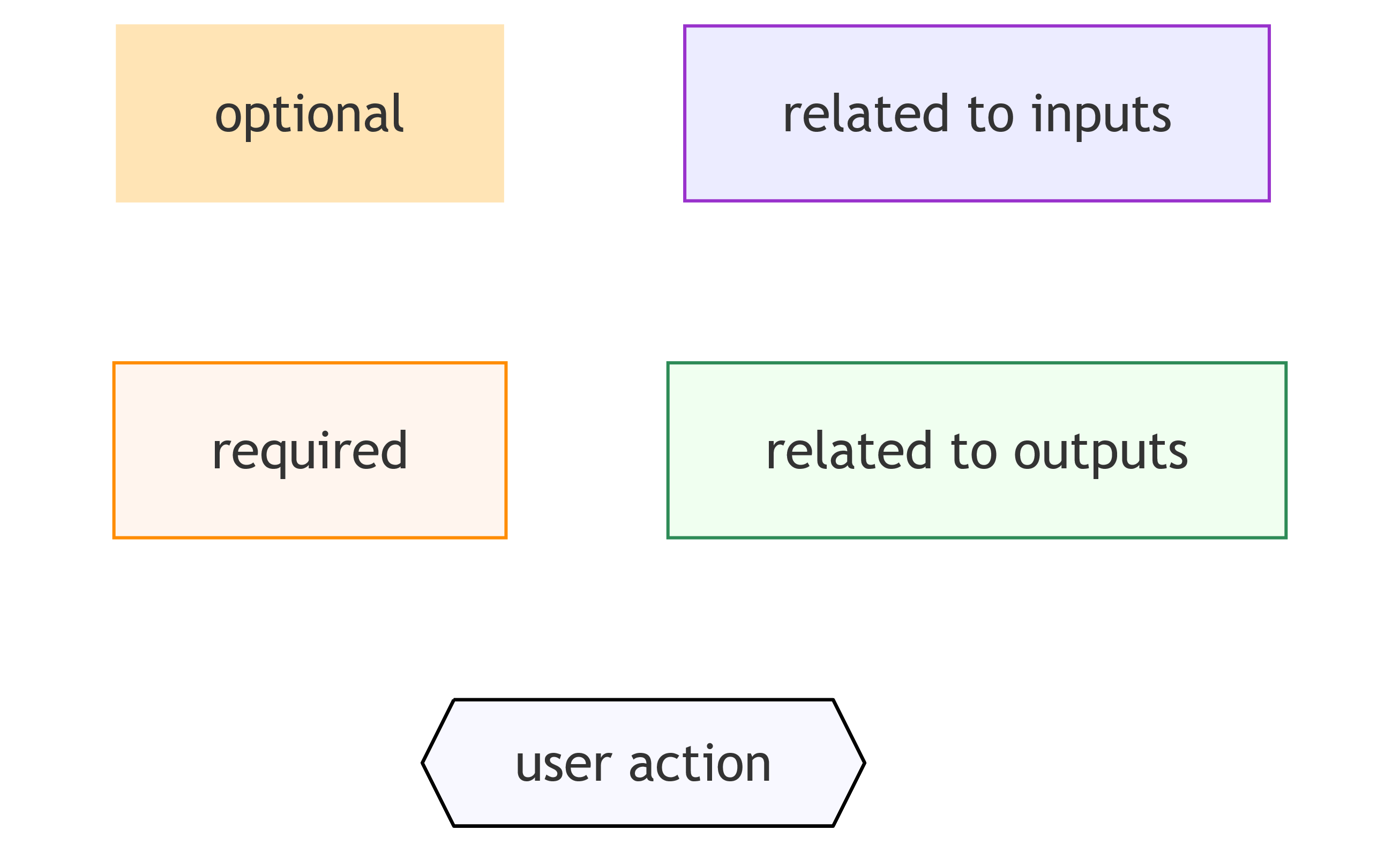
Legend